When you customize a strategy and save it, BIP Visualized automatically stores your version as a saved strategy in Your Strategies. This saved version acts as your reusable template — available in every BIP you build, without having to re-customize from scratch each time.
To create a saved strategy (template):
Go to Strategies in the top navigation bar.
Click any strategy card to open its detail modal, then click View & Customize.
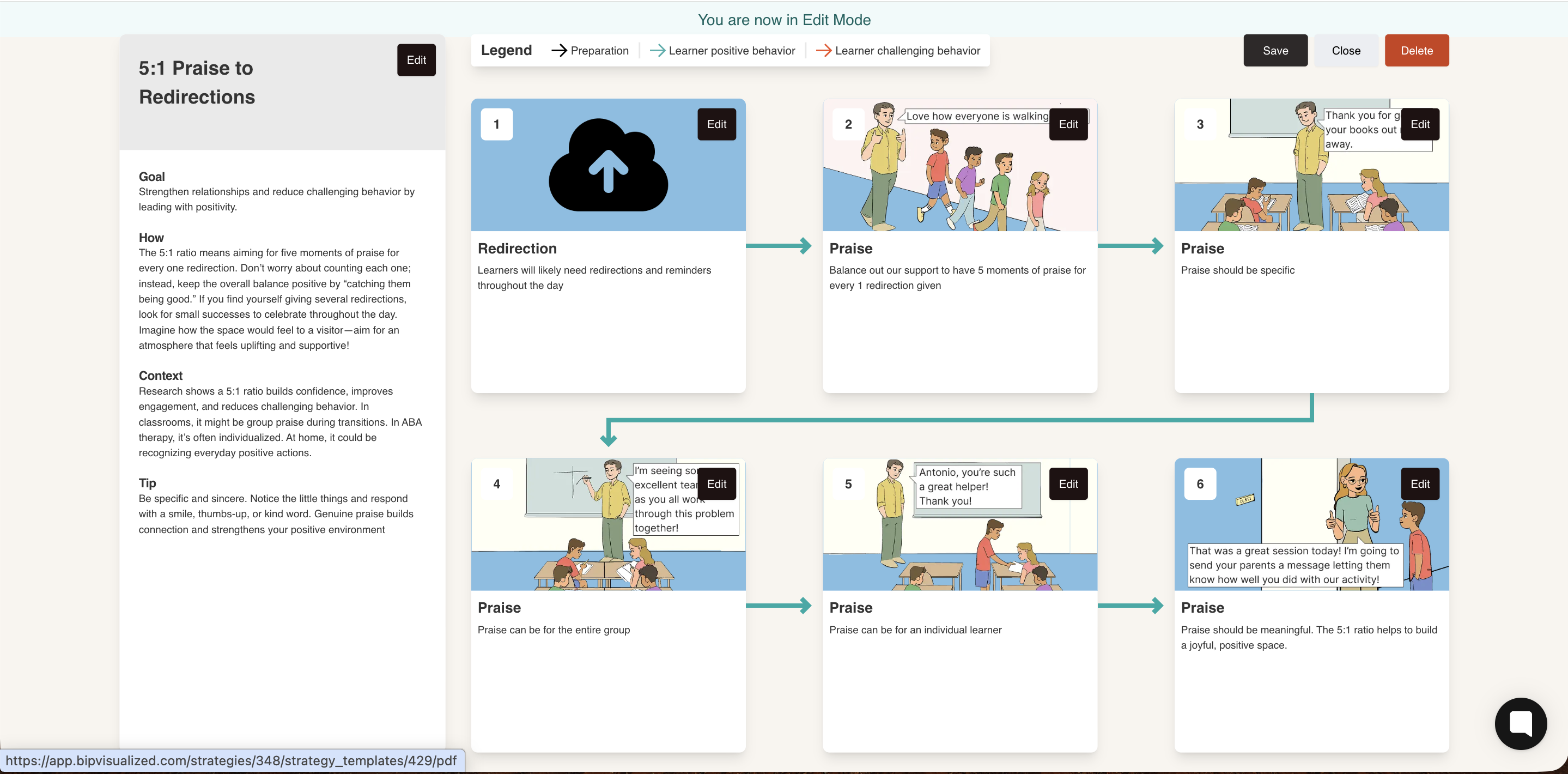
In the strategy view, click the Edit button (top-right) to enter Edit Mode. The banner "You are now in Edit Mode" confirms you're editing.
Make your customizations — update the side panel text, replace step images, edit step titles and descriptions.
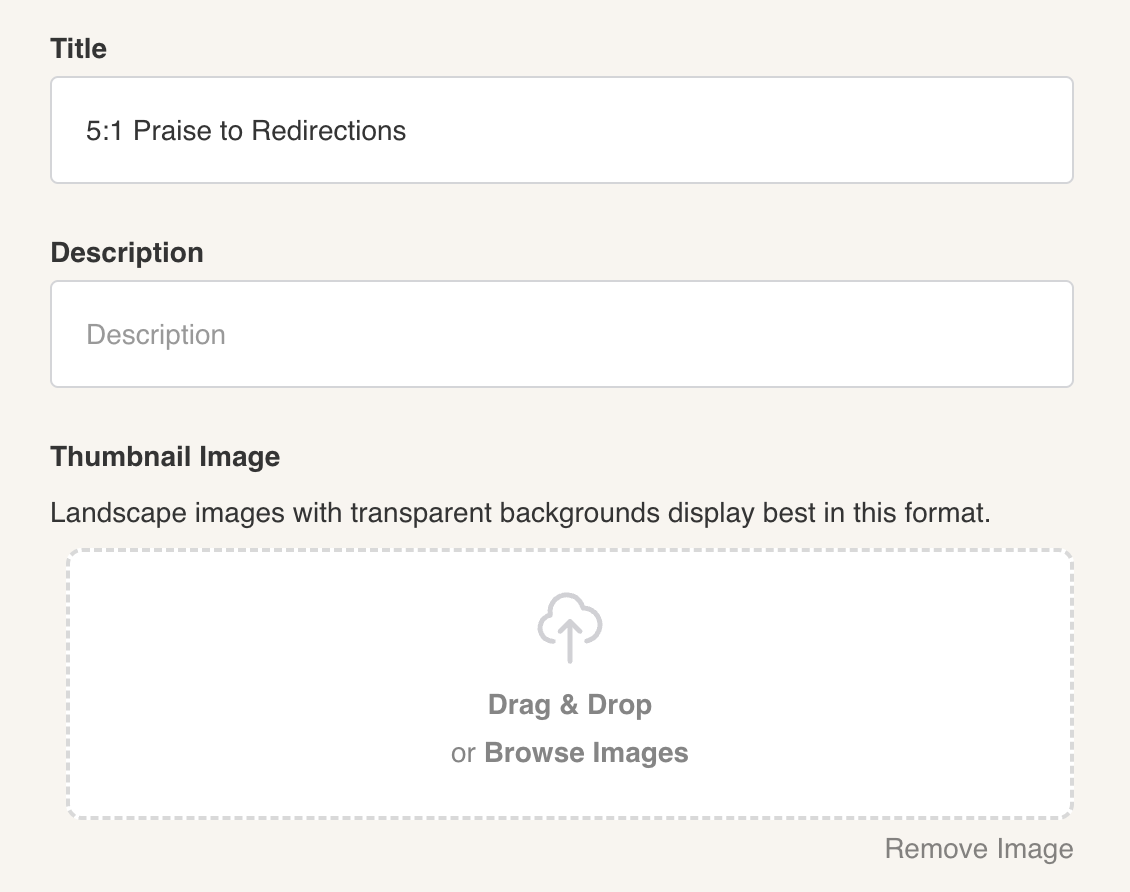
You can update the name and thumbnail of your template by clicking the Edit button in the side panel. From there, update the title field and upload a new image as needed.
Click Save (top-right) when done. Your customized version is saved.
Your saved strategy now appears under Your Strategies in the Strategies Library, marked with [Edited] in the name, if you not rename it.
You can find your templates strategies with the filter “Your Strategies“ It also shows up in the left sidebar search panel inside any BIP editor.