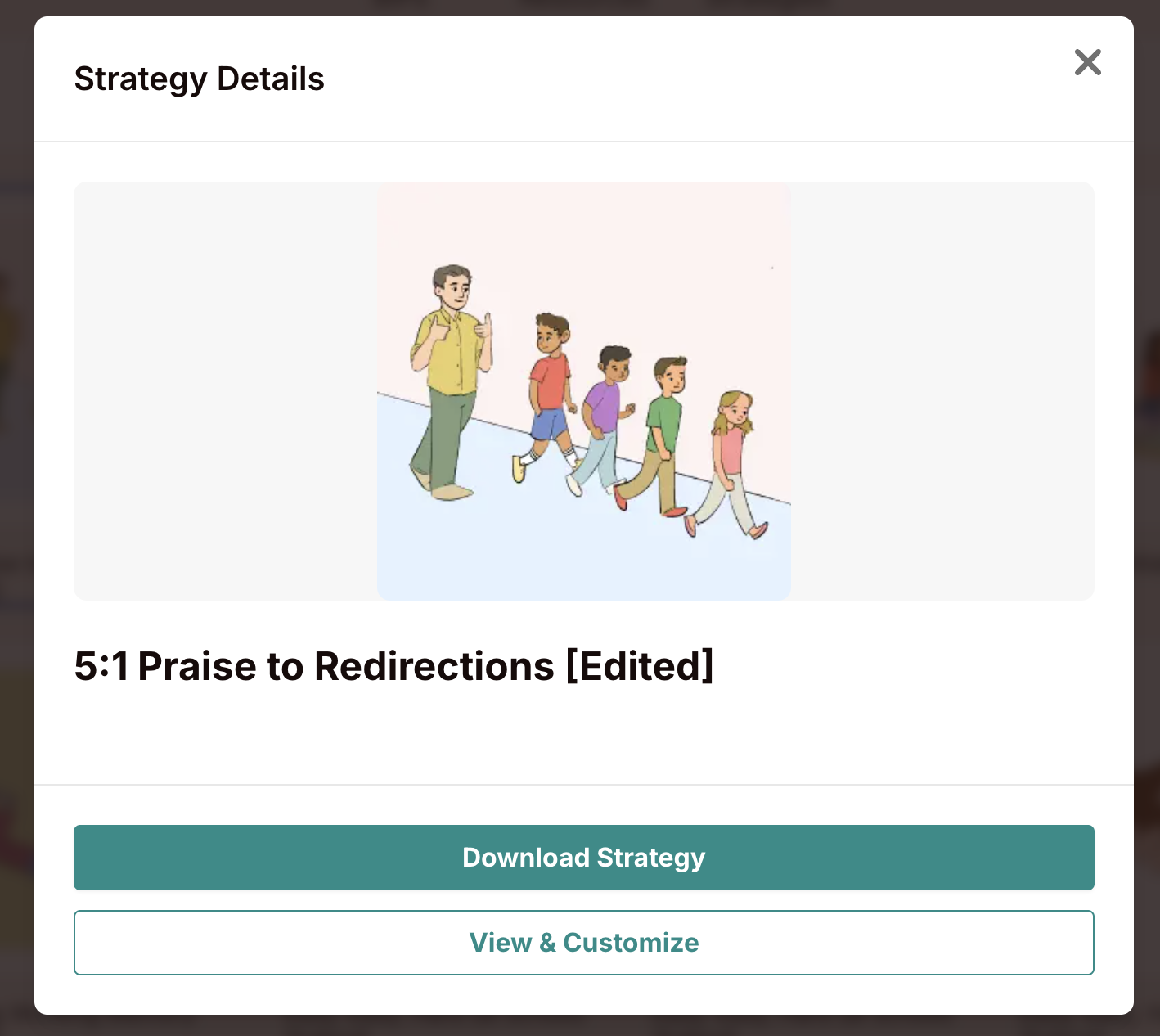
The most effective way to share a customized strategy with your team is to include it in a BIP and then share that BIP. You can also give team members their own account — which means they'll have direct access to all strategies and can view your shared BIPs in Present Mode.
Option 1 — Share a BIP that uses the strategy:
Add your saved (customized) strategy to a BIP as usual.
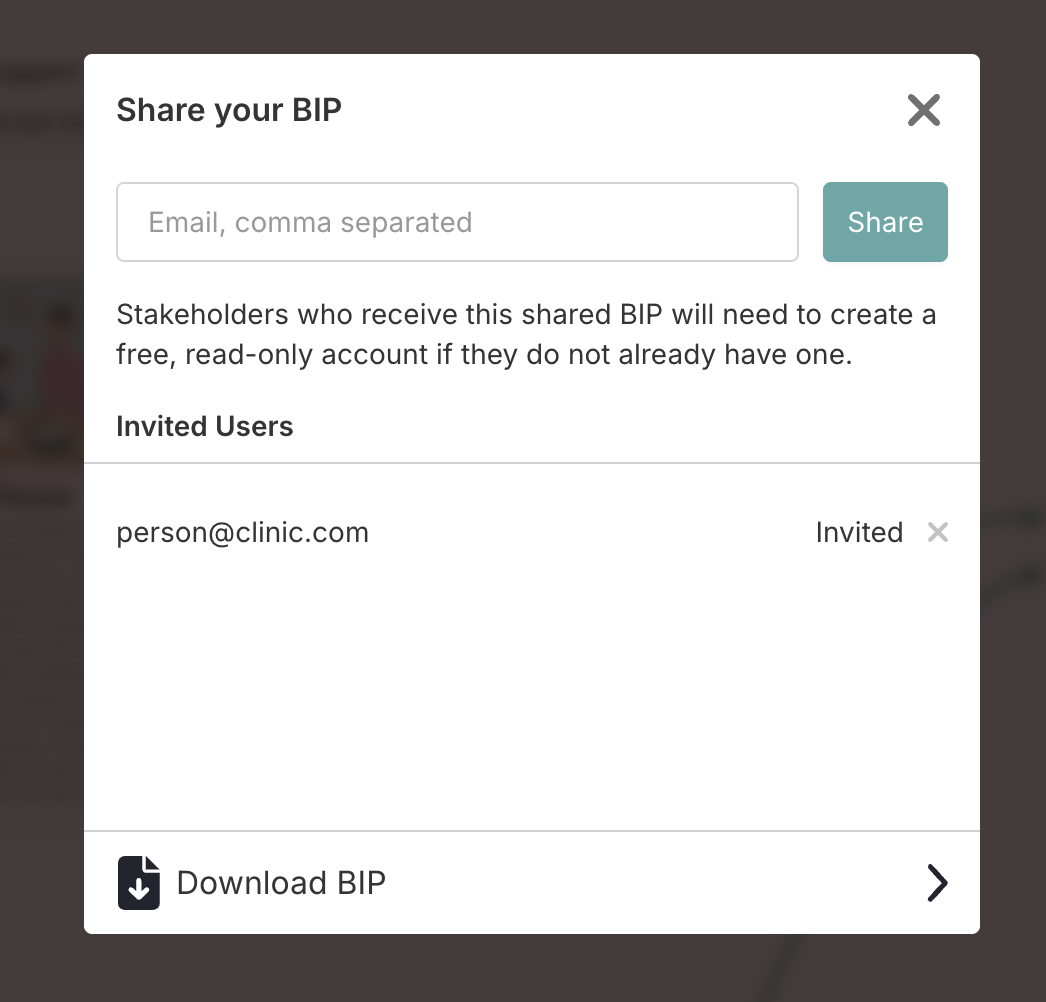
From inside the BIP editor, click Share/Download in the top toolbar.
Enter the team member's email address and click Share. They receive an invitation to view the full BIP, including all customized strategy cards, in Present Mode.
Option 2 — Download the strategy as a file:
You can download any strategy as an image file and share it directly — no account needed for the recipient.
From the Strategies tab: Click any strategy card to open its detail modal, then click Download Strategy. The strategy is saved as an image to your device.
From a BIP export: Open the BIP editor, click Share/Download, and use the Download BIP section. Make sure Include strategies is checked — all strategy cards in the BIP are included in the downloaded PDF or JPEG.