Courses are structured, on-demand video training sessions covering ABA practices, behavior support strategies, neurodiversity-affirming approaches, and clinical skills. They are organized by audience so the right people get the right content.
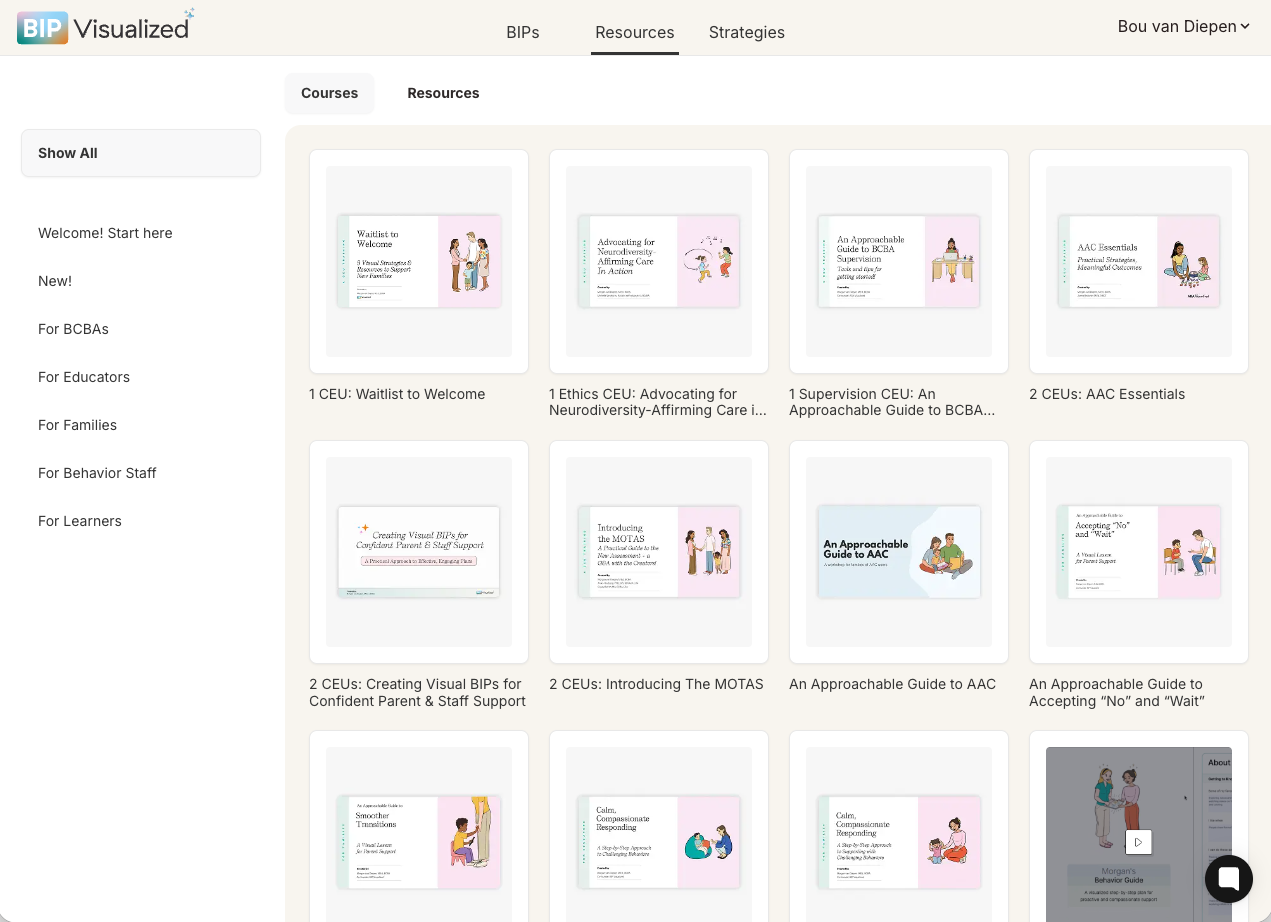
BACB-approved continuing education included with your subscription. Many carry Ethics or Supervision CEU designations. After completing a CEU course, you will be prompted to take a short knowledge check. Pass the test and you receive a certificate of completion you can use for BACB documentation.

Accessible, jargon-free training for parents and caregivers. These can be shared with unlimited parents at no extra cost. Spanish-language versions are also available soon for Spanish-speaking families.
Classroom-focused training for educators and paraprofessionals. These can be shared with unlimited teachers at no extra cost.
RBT courses
Task-list aligned training for behavior technicians, including the complete 40-hour RBT training course.
BCBA curriculum
A structured course sequence for supervisors running a BCBA supervision program.
Click Resources in the top navigation, then select the Courses tab.
Browse the course grid, or use the left sidebar to filter by audience.
Click any course card. A detail modal appears with the course image, title, and a Start Course button.
Click Start Course to begin. The course opens and you can work through it at your own pace.
Click the course thumbnail to open the detail modal.
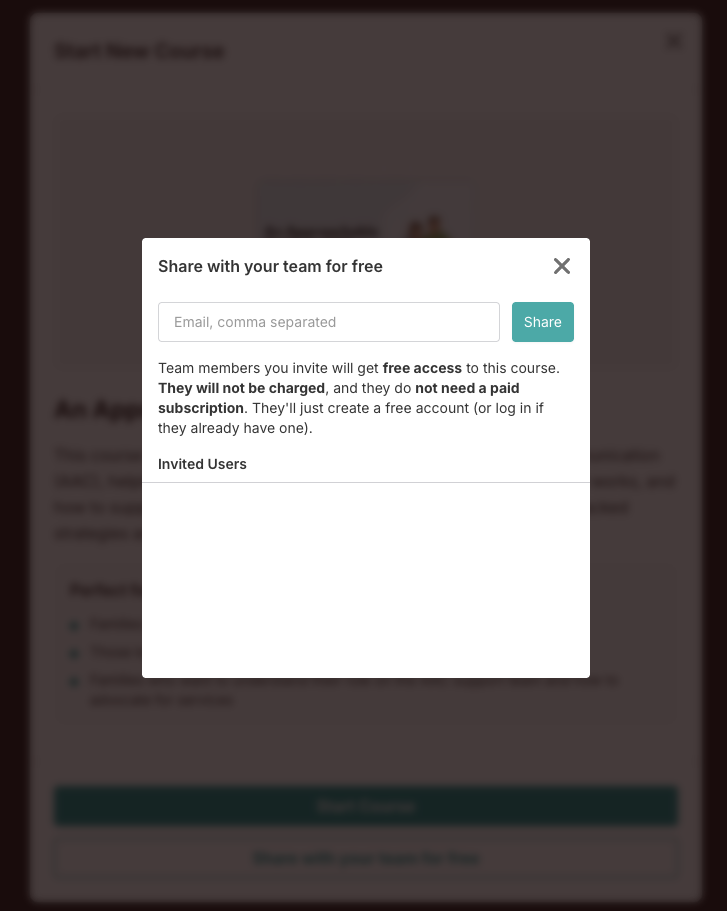
Click the Share button.
Enter the recipient's email address and confirm. They will receive access to the course directly.
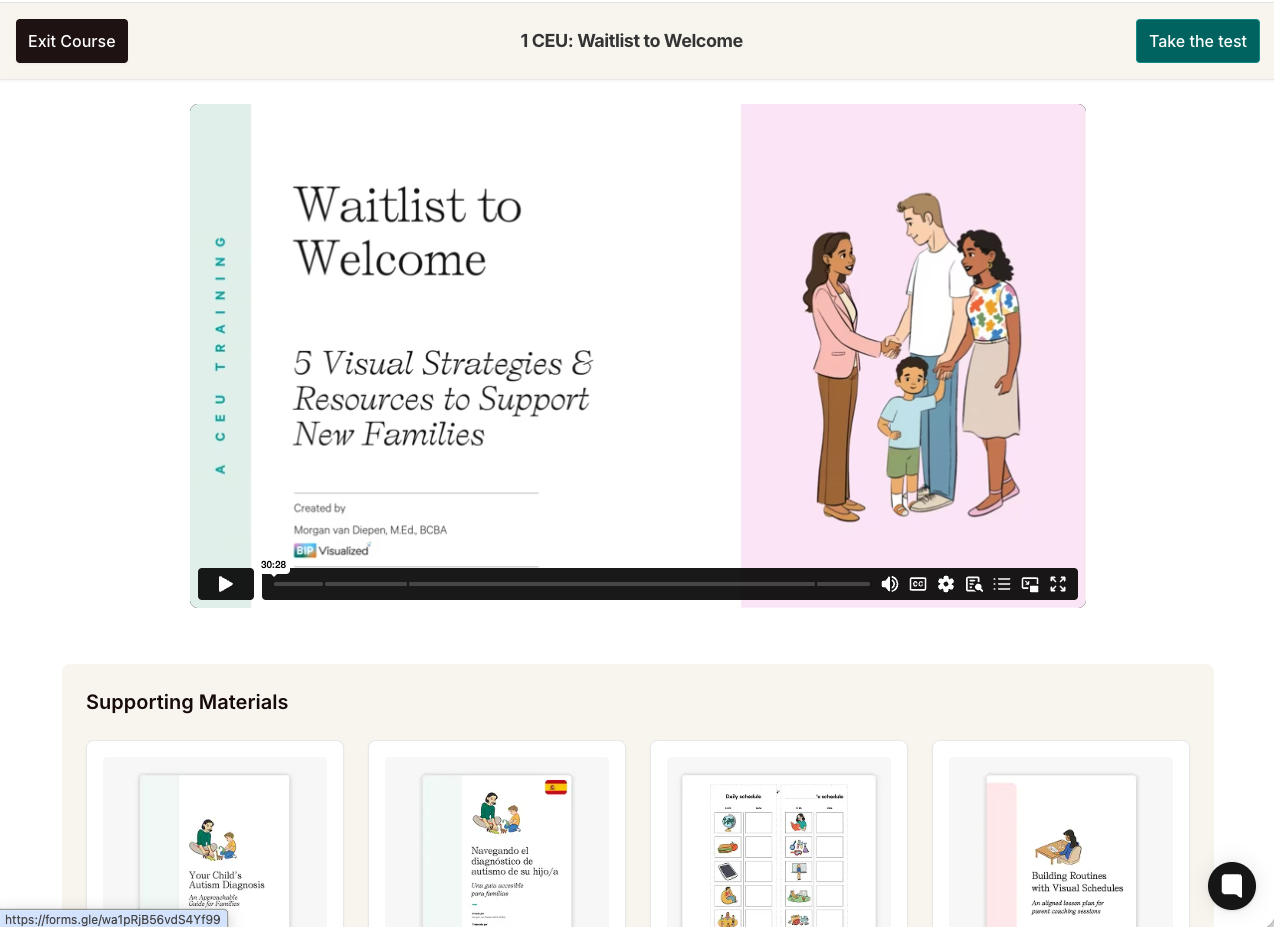
Each course includes a set of supporting Materials — downloadable PDFs, handouts, and reference materials that complement the course content. These appear directly beneath the course video. When you share a course with a parent, teacher, or colleague, all of the supporting resources are shared automatically alongside it. Recipients on free accounts will have these resources fully unlocked, so they can download and use every supporting material without needing a paid subscription.