
You can update your account password at any time from the Password settings page. Your current password is required to confirm the change.
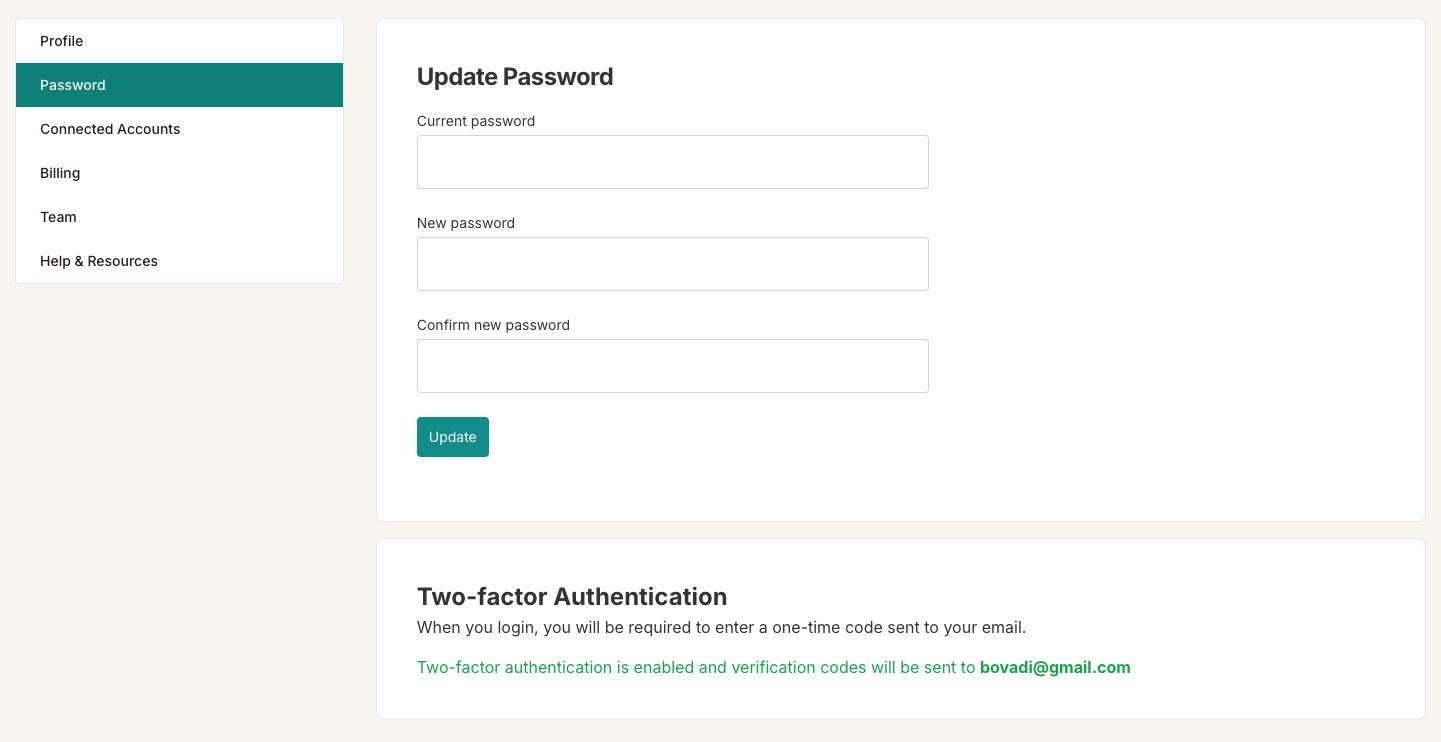
To change your password:
Click your name in the top-right corner and select Password.
Enter your Current password.
Enter your New password. It must be at least 8 characters long.
Re-enter the new password in the Confirm new password field.
Click Update to save the change.

Tip: If you signed up or log in using Google, you may not have a separate BIP Visualized password. In that case, manage your password through your Google account settings.