The Billing page shows your current subscription plan, lets you manage billing details, and gives you access to your invoice history.
To access billing:
Click your name in the top-right corner and select Billing.
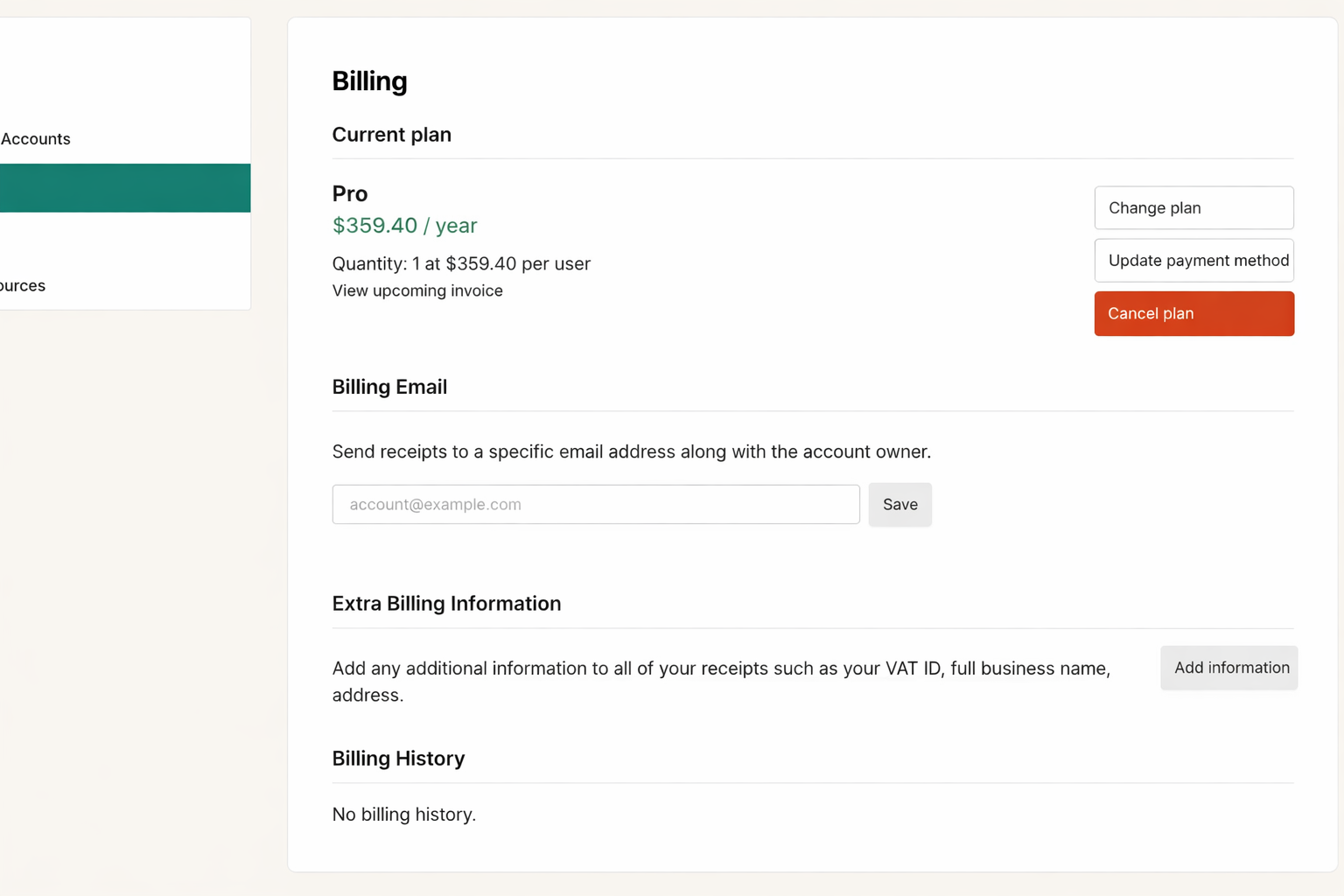
The Billing page includes the following sections:
Current plan — shows your active subscription (plan name, price, and number of seats). If your plan has been cancelled, the end date is shown here along with a Resume plan link to reactivate it. Click View upcoming invoice to preview your next charge.
Billing Email — enter a specific email address to receive receipts. This can be different from your login email (for example, an accounting or admin address). Click Save to update.
Extra Billing Information — add details such as a VAT ID, full business name, or address that will appear on all receipts. Click Save information to apply.
Billing History — a list of past invoices and payments on your account.