
When you log in to BIP Visualized, you land on the BIPs Dashboard — your home screen. It displays all your Behavior Intervention Plans as visual thumbnail cards, giving you an at-a-glance preview of each plan's layout.
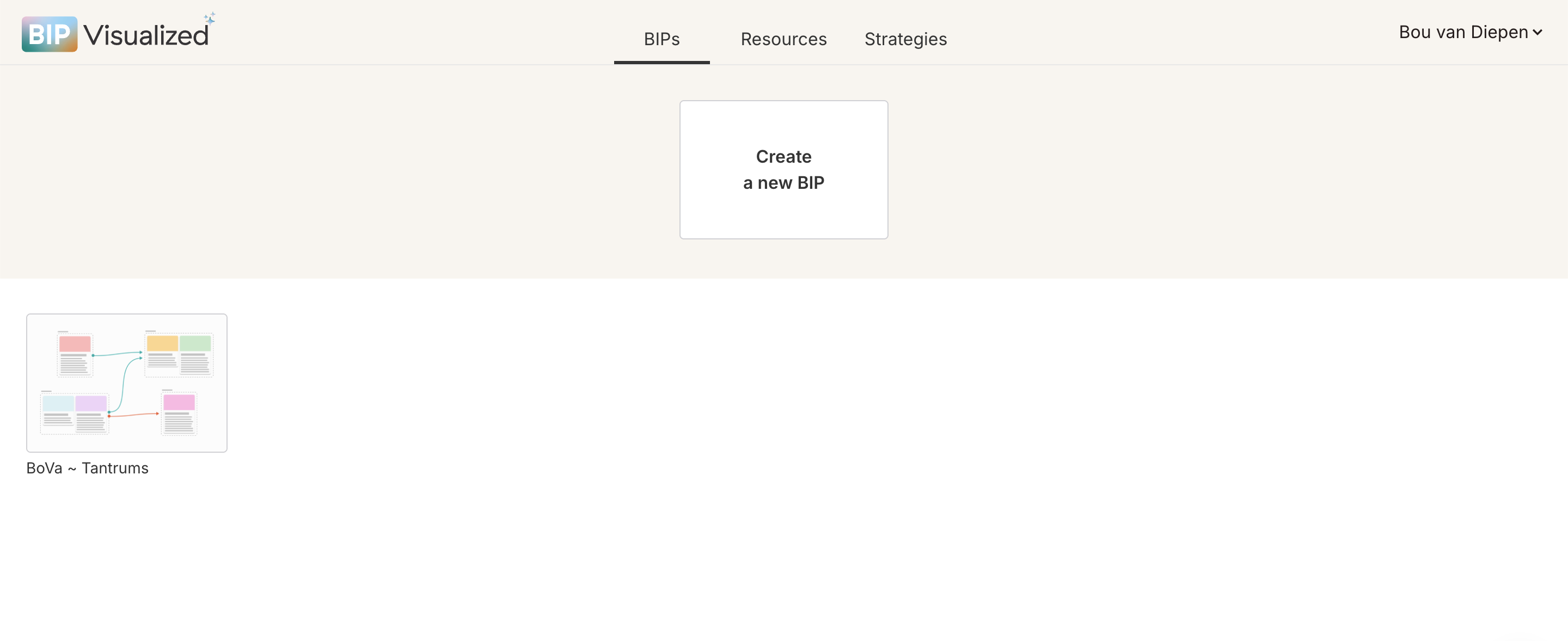
To open an existing BIP:
On the Dashboard, hover your mouse over any BIP card. An Open BIP button appears in the center of the card.
Click Open BIP to enter the BIP editor for that plan.
To create a new BIP:
Click the "Create a new BIP" card at the top of the Dashboard.
A blank BIP editor opens with an empty canvas, ready to build.

Tip: Click the BIP title at the top of the editor to rename it. Use the learner's name or behavior focus (e.g., "Sam ~ Elopement") to keep plans easy to find.ur callout text goes here...