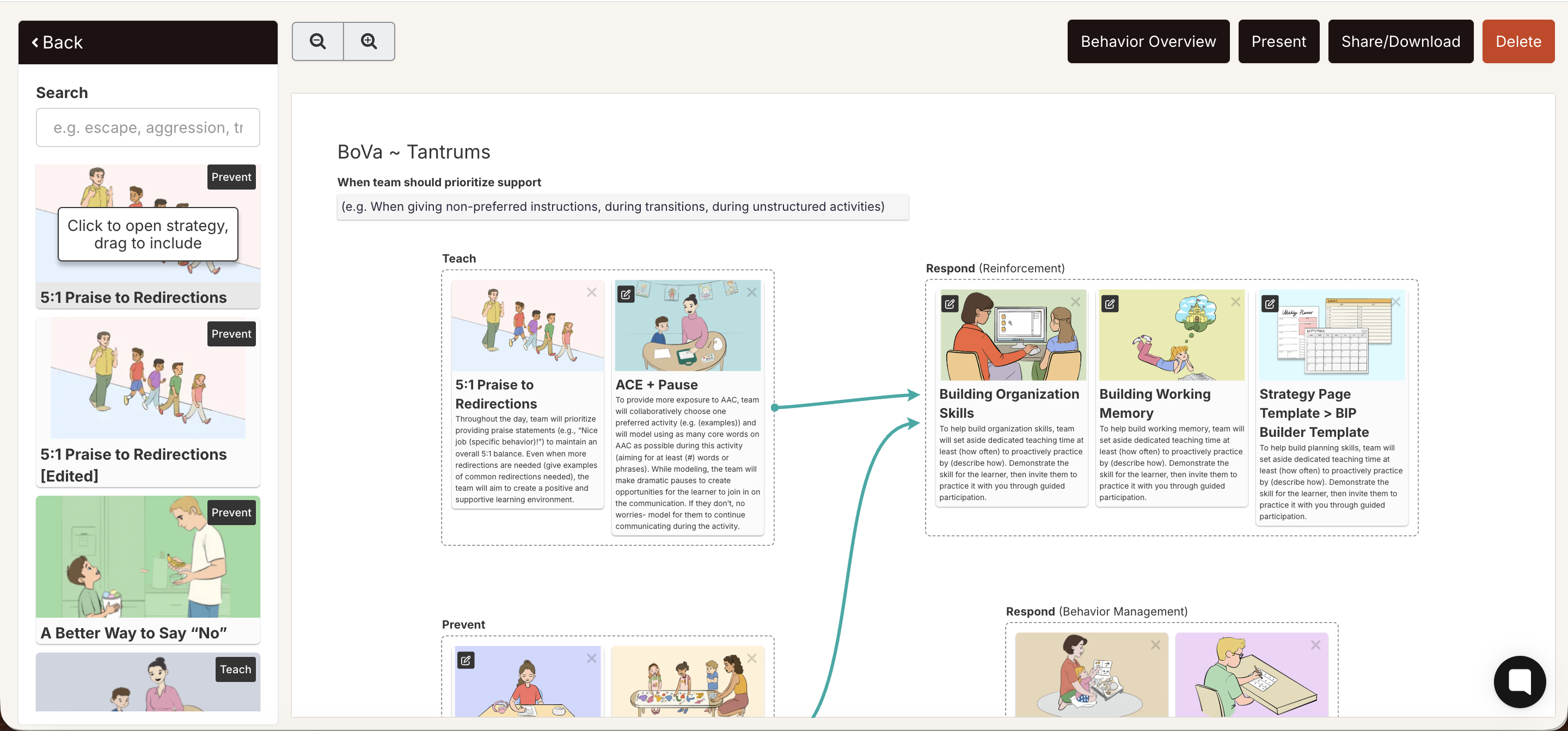
Inside the BIP editor, the left sidebar is your strategy search panel. It shows a browsable, searchable list of visual strategy cards you can add to the canvas.
To search for a strategy:
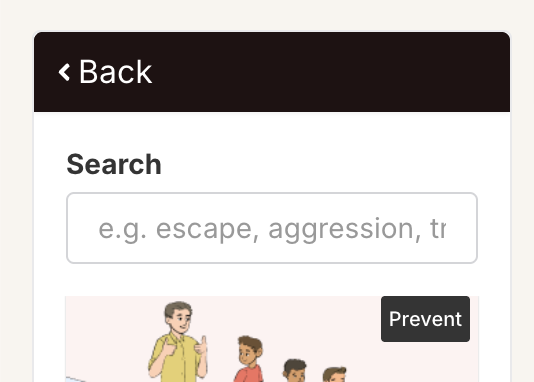
Type a keyword in
the Search field at the top of the sidebar — for example, "praise," "waiting," "AAC," or "token."
Matching strategy cards appear in real time below the search bar.
Scroll through the results. Each card shows a visual illustration, strategy name, and goal category (Teach, Prevent, etc.).
To add a strategy to the canvas:
Find the strategy in the sidebar that you want to add.
Click the card. It will be added to the appropriate quadrant on the canvas based on its category.
The strategy card appears on the canvas, connected to the other strategies by arrows that show the plan's clinical flow.
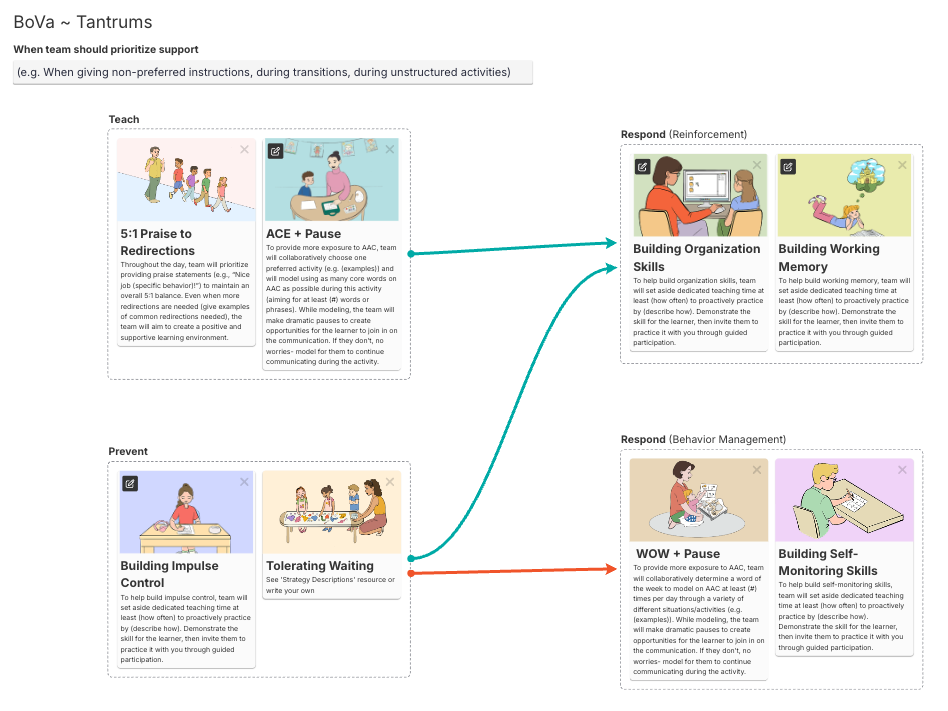
The canvas is divided into four quadrants:
Teach (top left) — proactive skill-building strategies
Prevent (bottom left) — strategies that reduce triggers
Respond: Reinforcement (top right) — responses to desired behavior
Respond: Behavior Management (bottom right) — responses to challenging behavior