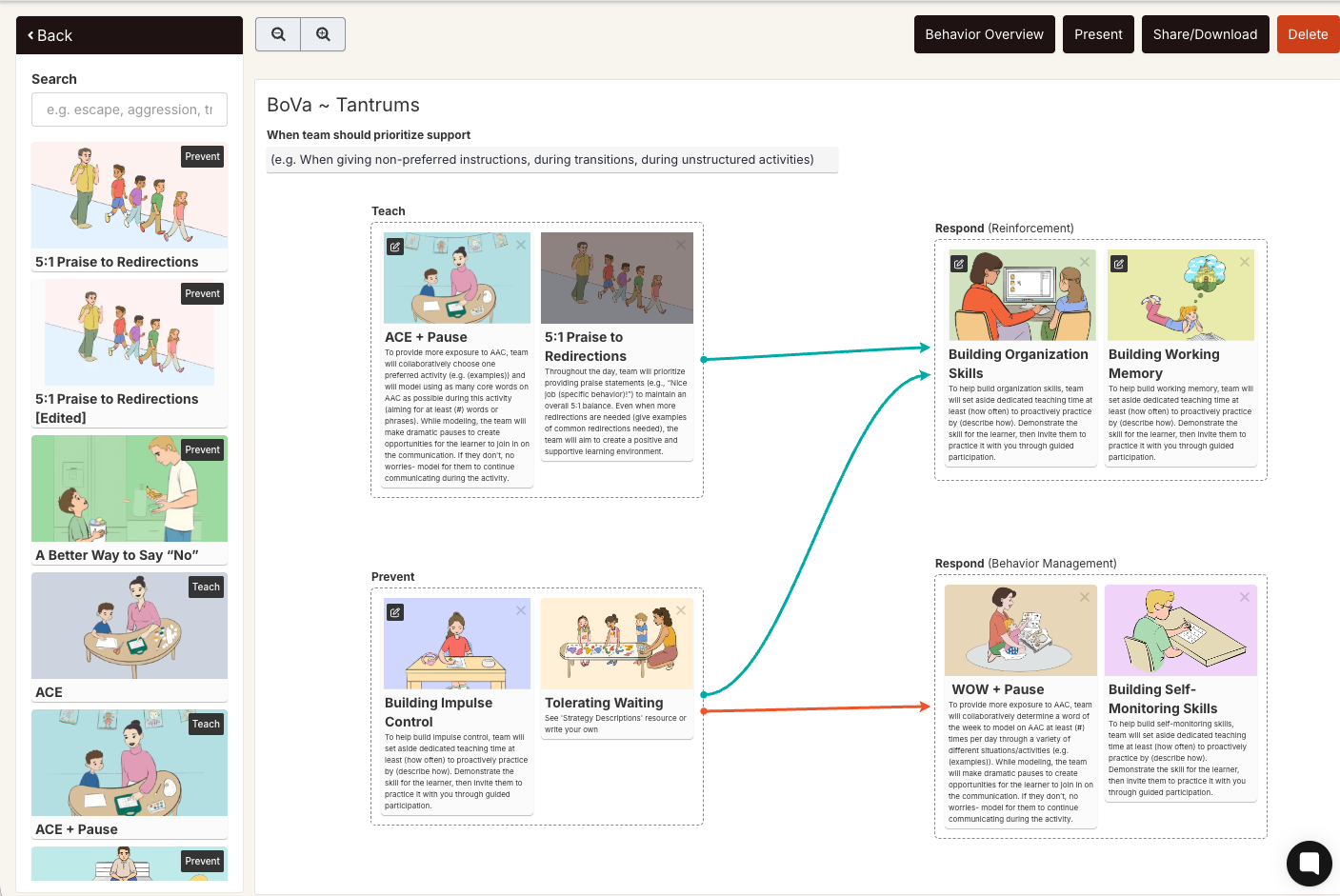
Strategies are visual ABA strategies used in your BIP. You can access them from two places: the Strategies Library (to browse the full collection) or directly from inside a BIP (to add or edit a card already on the canvas).
From the Strategies Library:
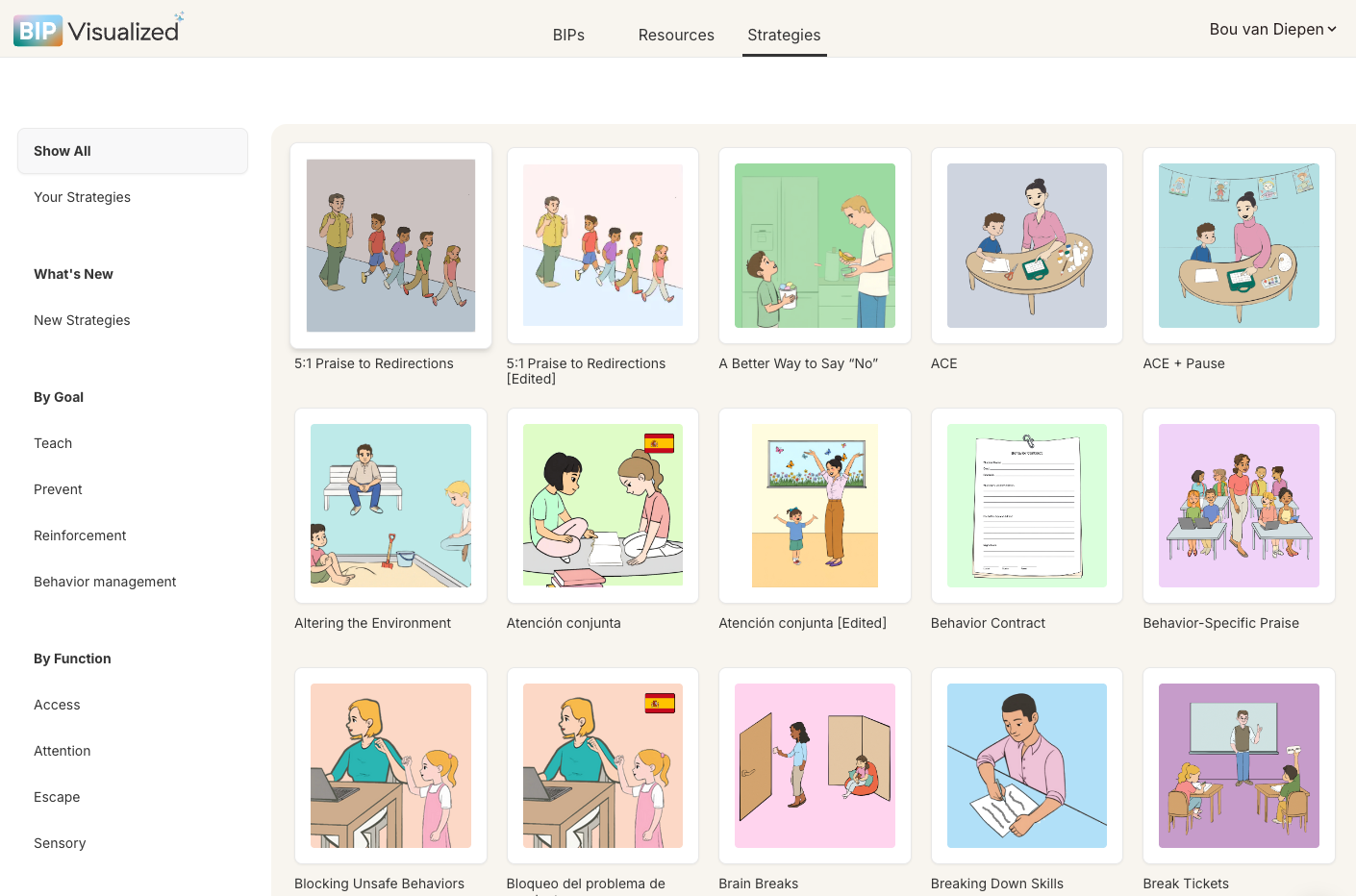
Click Strategies in the top navigation bar.
Browse the card grid. Use the left sidebar to filter by goal type — Teach, Prevent, Reinforcement, Behavior Management — or view Your Strategies to see your saved custom versions.
Click any card to open the Strategy Details modal, which shows a preview image, description, and two action buttons: Download Strategy and View & Customize.
Click View & Customize to open the strategy in the full editor.
From inside a BIP:
While in the BIP editor, find a strategy card already placed on the canvas.
Click the image on the card. This opens the strategy directly in Edit Mode — the banner "You are now in Edit Mode" confirms you can make changes.
Edit as needed, then click Save and Close to return to the BIP canvas.